
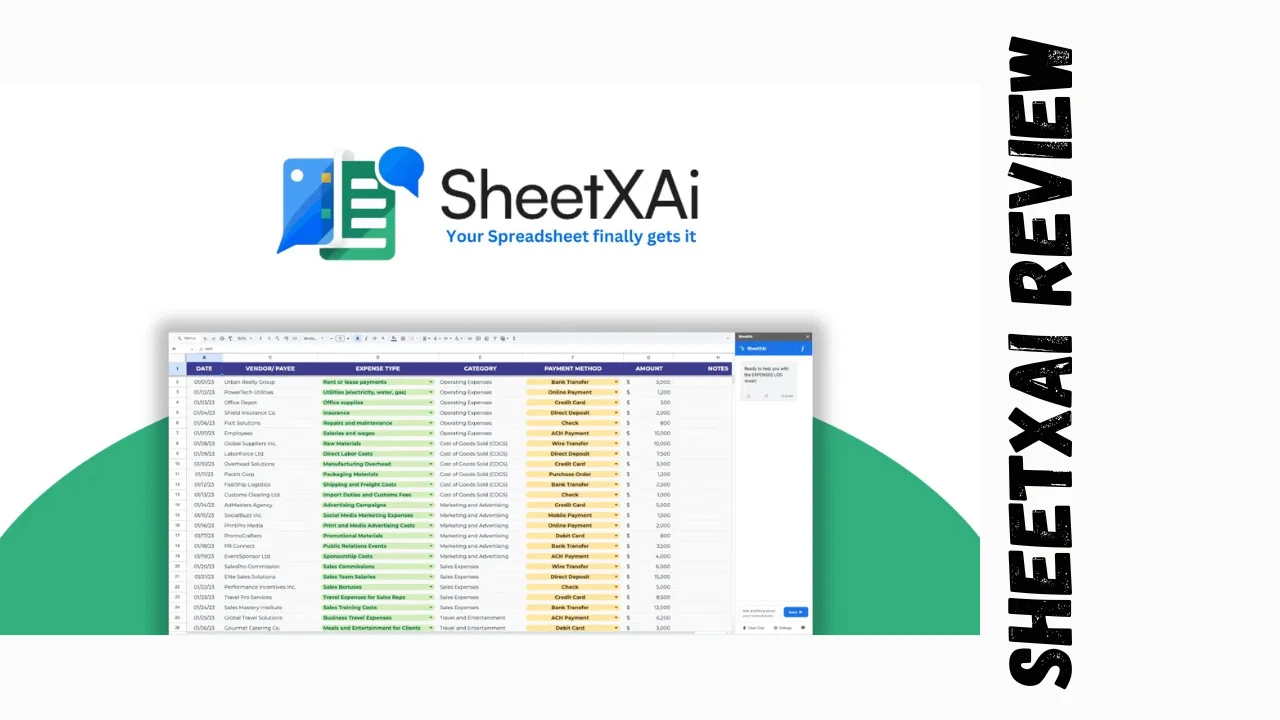
Spreadsheets are the backbone of most small businesses, but wrestling with complex formulas, manual data entry, and repetitive tasks eats up hours that could be spent growing your operation. SheetXAI solves this by letting you automate Excel and Google Sheets using plain English commands—no coding, no memorizing VLOOKUPs, just tell it what you need and watch it happen. Designed for startups, marketers, solopreneurs, and small business owners who live in spreadsheets but hate the grunt work, this SheetXAI review breaks down if it’s the affordable software upgrade your workflow desperately needs.
Overview of SheetXAI
SheetXAI emerged as a response to the universal frustration of spreadsheet hell—where simple tasks like cleaning data, generating bulk content, or analyzing trends turn into multi-hour ordeals. The platform’s mission is straightforward: make spreadsheets intelligent by embedding AI agents that understand natural language, turning static files into dynamic business tools without requiring technical expertise.
It targets freelancers tracking leads, marketing agencies managing campaigns, e-commerce owners handling product data, and small teams doing financial analysis or content planning. Unlike basic add-ons that only generate formulas, SheetXAI acts as a full AI co-pilot, integrating with business apps and handling end-to-end workflows from data extraction to publishing.
Key Features
SheetXAI packs serious functionality into a simple interface, focusing on practical tools that deliver immediate ROI for busy users.
- Natural Language Automation: Type commands like “filter rows where sales > $1000 and calculate growth rate” or “match emails from column A to leads in sheet 2″—the AI generates perfect formulas, executes them instantly, and handles multi-sheet operations without errors.
- Bulk Content Generation: Turn spreadsheets into content factories. Generate 100+ product descriptions, SEO meta tags, personalized emails, or company summaries in seconds, with context-aware writing that maintains brand voice across multiple languages.
- Data Extraction Magic: Upload PDFs, images, or scanned docs—the AI uses OCR and parsing to extract structured data into clean tables. Perfect for pulling invoice details, contact info from business cards, or stats from reports.
- Business Integrations: Connect sheets to real tools—export leads to Instantly for outreach, publish blog posts to WordPress, upload products to WooCommerce. Your spreadsheet becomes the central hub controlling your entire stack.
- Advanced Analytics: Ask for insights like “show top performing products by region” or “predict next quarter revenue trends”—get charts, summaries, and actionable recommendations without building pivot tables.
- Image and Media Tools: Analyze images in bulk (e.g., product photos for descriptions), upscale visuals, or generate media using 100+ LLMs directly in cells.
- AI Agent Access: Dedicated agents for Google Sheets and Excel handle ongoing tasks, learning from your sheets to improve over time.
These SheetXAI features make it one of the best tools for small business owners who need productivity tools for entrepreneurs without the learning curve of full BI platforms.
Ease of Use & User Experience
Setup and Onboarding
Getting started takes minutes: install as an add-on in Google Sheets or Excel, sign up, and you’re prompting away. No complex configurations—just grant permissions and start typing English commands. The free tier lets you test basic functionality before committing.
Onboarding shines with in-app examples and a command library that shows real-world prompts. Users familiar with sheets adapt instantly; even beginners grasp the power after 10 minutes of play.
Dashboard and Interface
Everything happens inside your familiar spreadsheet environment—no new apps to learn. A sidebar pops up for AI interactions: type your command, select sheets/ranges, hit enter. Results populate cells directly with previews and undo options. The interface feels native, not bolted-on.
Daily Workflow
Commands execute in seconds for most tasks, with progress bars for bulk operations. Error handling is smart—AI suggests fixes if something’s ambiguous. Multi-language support and cell-by-cell generation make it versatile for global teams or e-commerce.
Desktop vs Mobile
Optimized for desktop where spreadsheet work happens, but Google Sheets mobile compatibility means you can review/approve on the go. Excel’s mobile limitations apply as usual.
Pricing Breakdown: Lifetime Deal Tiers
SheetXAI’s one-time payment model makes it incredibly accessible for long-term use, with tiers scaled for solo users to small teams.
| Plan | One-Time Price | Licenses | Key Limits | Standout Value |
|---|---|---|---|---|
| Tier 1 | $39 | 1 | Standard credits | Perfect entry for solopreneurs; unlimited basic commands + core AI features |
| Tier 2 | $129 | 3 | Higher credits | Great for freelancers with multiple clients/projects |
| Tier 3 | $199 | 5 | Premium credits | Ideal for small agencies or teams |
| Tier 4 | $299 | 25 | Unlimited-scale | Enterprise-ready for growing businesses |
Add-ons: Excel AI Agent ($29 one-time), extra bulk credits ($59/5,000 units).
Refund Policy: 60-day money-back guarantee across all tiers—plenty of time to automate real workflows and measure time savings.
Value Proposition: SheetXAI lifetime deal pricing crushes monthly tools like Airtable ($24+/mo) or Zapier ($20+/mo). A $39 investment could save 10+ hours/month in manual work, paying for itself immediately. No recurring fees means predictable budgeting for bootstrapped operations.
Pros and Cons
| Pros | Cons |
|---|---|
| Plain English commands replace hours of formula hunting and debugging | Credit system for heavy bulk tasks requires planning (add-ons available) |
| Works natively in Excel/Google Sheets—no workflow disruption | Excel agent is add-on purchase, not included in base tiers |
| Bulk content gen + integrations turn sheets into business hubs | Very new tool; long-term reliability still building (though early feedback excellent) |
| Data extraction from PDFs/images eliminates manual entry drudgery | Best with “BYOK” (bring your own key) for advanced LLMs to avoid limits |
| 100+ AI models + multi-language support for global use | Learning optimal prompting takes a few sessions for complex tasks |
| Lifetime pricing = massive savings vs subscriptions | Mobile experience tied to sheet apps’ limitations |
| 60-day guarantee + responsive support build trust | Not a full BI dashboard—focuses on automation, not visualization |
Who Should Use It?
SheetXAI shines for spreadsheet-heavy users tired of manual tedium.
Solopreneurs and Freelancers: Lead gen, outreach lists, invoice tracking—automate it all without hiring VAs. Generate personalized pitches in bulk while focusing on closing deals.
Marketers and Agencies: Campaign planning, content calendars, SEO audits. Bulk-generate meta tags, export to WordPress/Instantly, analyze performance trends instantly.
E-commerce Owners: Product uploads to WooCommerce, inventory analysis, customer segmentation. Extract supplier data from PDFs, predict stock needs.
Small Business Founders: Financial modeling, sales tracking, customer databases. Natural language insights replace expensive analysts.
Skip if: You rarely use spreadsheets, need heavy visualization (try Tableau), or prefer no-code platforms like Airtable for database needs. SheetXAI alternatives like basic GPT prompts work for one-offs but lack deep integration.
Comparison With Competitors
| Feature | SheetXAI | Airtable | Zapier |
|---|---|---|---|
| Pricing | $39-$299 lifetime | $24+/mo | $20+/mo |
| Core Strength | Spreadsheet AI automation | Database + views | App integrations |
| Natural Language | Full commands in sheets | Limited AI blocks | No—visual zaps |
| Content Generation | Bulk in cells, multi-lang | Basic via extensions | Via premium AI |
| Data Extraction | PDF/image OCR native | Manual/import | Connector-dependent |
| Integrations | Woo/WordPress/Instantly | 50+ native | 6,000+ apps |
| Best For | Sheet power users | Visual databases | Cross-app automation |
| Learning Curve | Minutes (English prompts) | Moderate | Steep for complex |
SheetXAI wins for pure spreadsheet automation; Airtable/Zapier better for broader no-code stacks.
User Feedback Summary
Early adopters rave about SheetXAI, with perfect 5.0/5 ratings from verified users. Sentiment focuses on time savings and simplicity.
Positive Highlights:
- “Powerful automation that accelerates workflows—completes manual tasks in fractions of time.”
- “Exactly what I’ve needed for 3+ years for lead organization and outreach.”
- “Exceptional customer service; well-planned roadmap.”
- Consistent praise for intuitive commands, integrations, and support responsiveness.
Minor Gripes:
- Occasional command hiccups (fixed via support).
- Wish for clearer AI model visibility.
- Credit awareness for bulk ops.
No major G2/Capterra presence yet (new tool), but lifetime deal buyers give glowing feedback. 60-day guarantee mitigates risks.
Final Verdict
This SheetXAI review finds it delivers huge value for anyone living in spreadsheets. The AI turns formula nightmares into English conversations, integrations make sheets business command centers, and lifetime pricing seals the deal as affordable software that pays dividends forever.
Worth it if spreadsheets eat your time—solopreneurs save hours weekly, marketers scale content effortlessly, small teams ditch manual drudgery. The SheetXAI lifetime deal at $39 entry crushes alternatives long-term.
Potential downsides (credits, newness) pale against 60-day safety net and proven early wins. For productivity tools for entrepreneurs who need SheetXAI features like bulk gen and extractions, it’s a no-brainer upgrade. Grab Tier 1 to test; scale as you grow. Your future self thanks you for ditching spreadsheet slavery.




