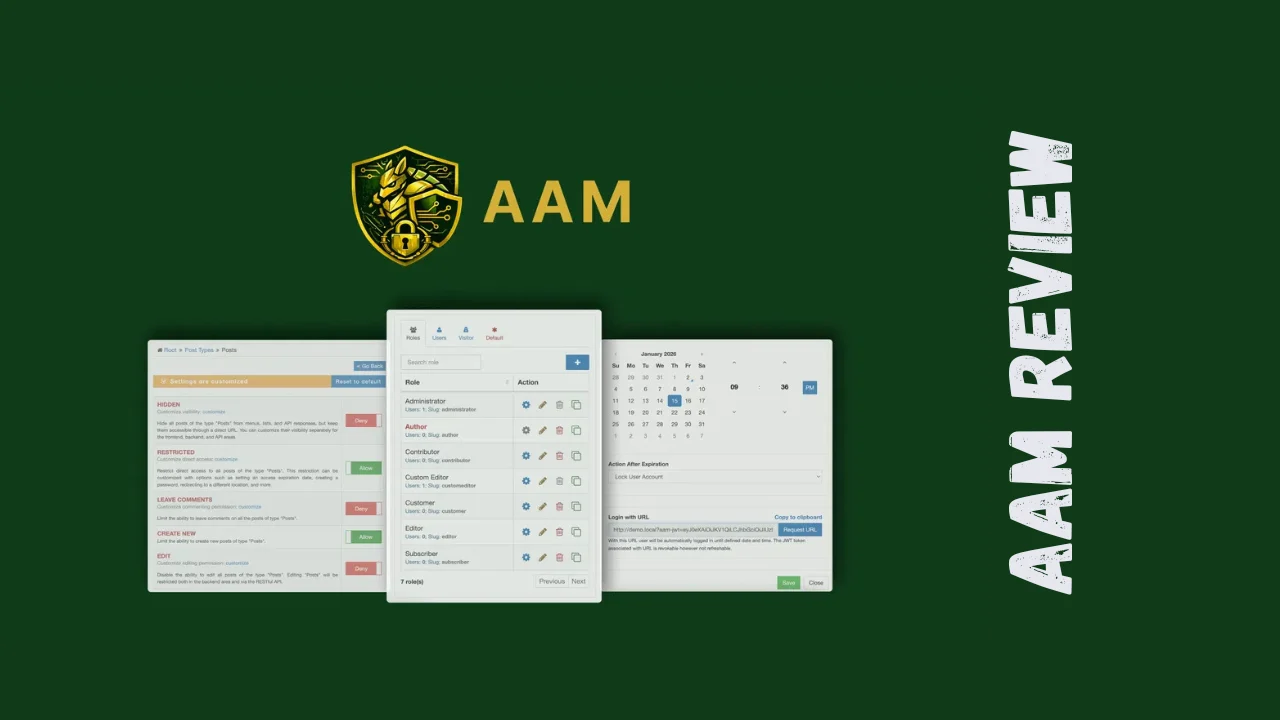
Managing who can see what on your WordPress site shouldn’t feel like defusing a bomb. AAM (Advanced Access Manager) is a powerful WordPress plugin that gives you granular control over roles, permissions, content restrictions, and security—all without needing a developer on speed dial. This AAM review will help you determine if this tool is the right fit for your startup, agency, or solo venture.
Overview of AAM
Advanced Access Manager has been serving the WordPress community for years, building a reputation as one of the most sophisticated access control plugins available. With a large active installation base, AAM has become a go-to solution for site administrators, developers, and security professionals who need enterprise-grade security without the complexity.
The plugin was designed to address one of the most critical security vulnerabilities in WordPress: broken access controls. Rather than forcing you to rely on basic WordPress capabilities, AAM provides a comprehensive framework that lets you define exactly who can access what, when, and how. It’s particularly popular among consultants, developers, and freelancers who manage multiple client sites and need reliable, repeatable security configurations.
The target audience includes anyone running membership sites, client portals, multi-author blogs, e-commerce stores, or WordPress multisite networks. If you’ve ever needed to restrict content based on user roles, block specific IP addresses, or control access to your WordPress backend, AAM was built with you in mind.
Key Features
AAM packs an impressive array of features that go far beyond basic WordPress user management. Here’s what makes it stand out:
- Role & capability management: Create custom WordPress roles and define precise capabilities for each user level, giving you complete control over who can do what on your site.
- Content restriction tools: Restrict access to posts, pages, custom post types, categories, and taxonomies based on roles, individual users, IP addresses, or geographic location.
- Backend & menu control: Hide or show specific dashboard areas, admin menu items, and widgets based on user roles, creating clean, focused experiences for different user types.
- API security management: Secure your WordPress REST API and XML-RPC endpoints by controlling who can access them, preventing unauthorized data access.
- IP & geolocation controls: Block or allow access to your entire website or specific areas based on visitor IP addresses or geographic location.
- URL & redirect management: Control access to specific URLs and set up custom redirects based on user roles or authentication status.
- Passwordless login options: Offer secure, password-free authentication while maintaining robust security standards.
- Security auditing: Monitor roles, permissions, and security gaps across your WordPress site with built-in audit tools.
- Multisite support: Works across WordPress networks, making it ideal for agencies managing multiple client sites.
- Developer-friendly framework: Access a comprehensive PHP framework with hooks, filters, and abstraction layers for custom security solutions.
Ease of Use & User Experience
Despite its powerful capabilities, AAM maintains a relatively intuitive interface that doesn’t overwhelm users with technical jargon. The plugin integrates directly into the WordPress dashboard, placing access controls exactly where you’d expect them—within user profiles, post editors, and a dedicated AAM settings area.
The initial setup is straightforward for anyone familiar with WordPress user roles. You install the plugin, activate it, and immediately gain access to enhanced role management features. For basic use cases like restricting specific posts to logged-in users or hiding admin menu items, the learning curve is minimal.
More advanced features like IP blocking, API security, and complex multi-role hierarchies do require a deeper understanding of WordPress architecture. However, the plugin offers documentation and support resources that help bridge this gap. Once you understand the logic behind roles and capabilities, configuring advanced scenarios becomes much easier.
The dashboard design is functional and organized, though some users might find it less modern than some newer WordPress plugins. That said, AAM clearly prioritizes functionality over aesthetics—there are no intrusive ads or promotional banners cluttering the interface. Everything is focused on giving you the controls you need.
AAM works on both desktop and mobile devices through the WordPress admin panel, though complex security configurations are best handled on desktop. The plugin is relatively lightweight and doesn’t significantly impact site performance, which is crucial for small businesses running on shared hosting.
Pricing Breakdown
Below is an illustrative breakdown aligned with a typical one-time payment structure and lifetime offer style:
| Plan | Price | Installations | Key Features | Best For |
|---|---|---|---|---|
| Free Version | $0 | Unlimited | Role and capability management, basic content restriction, menu control | Individuals or blogs with simple needs |
| Lifetime Deal Tier 1 | $49 (one-time) | 1 site | All free features plus premium add-ons, advanced restrictions, API security | Solopreneurs and single-site owners |
| Lifetime Deal Tier 2 | $98 (one-time) | 3 sites | Everything in Tier 1 across multiple installations | Freelancers managing several client sites |
| Lifetime Deal Tier 3 | $147 (one-time) | 5 sites | Everything in Tier 1 for more installations | Agencies and consultants |
Key points:
- One-time payment: The AAM lifetime deal tiers follow a pay-once, use-forever model.
- Lifetime access: You get ongoing access to premium features without recurring fees.
- Refund policy: There is a generous refund window (often around 60 days) that lets you try the tool risk-free.
- No required subscription: You avoid the typical annual license renewal many competitors require.
This structure makes AAM pricing very attractive for founders and small teams trying to keep software costs under control.
Pros and Cons
Pros and cons table
| Pros | Cons |
|---|---|
| Lifetime deal available—pay once, use long term | Steeper learning curve for advanced configurations |
| No ads or promotional clutter in the admin interface | Interface design feels less modern than some competitors |
| Supports multisite and fits agency workflows | Some features require technical WordPress knowledge |
| Very granular role and capability controls | Free version has limited access to advanced features |
| Developer-friendly with a rich set of hooks and filters | Documentation can feel dense for beginners |
| Lightweight and performance-conscious | Fewer built-in third‑party integrations than some rivals |
| Strong focus on security and access control | Complex setups can take time to plan and configure |
Who Should Use It?
AAM is a great fit for several types of users who need more control than WordPress offers out of the box.
- Startups and small businesses: If your team members need different access levels—like marketers, writers, and contractors—AAM lets you create clean, role-based dashboards instead of giving everyone full admin access.
- Membership site owners: If you’re offering gated content to subscribers or customers, you can use AAM to control which users see which content, without relying on heavy all-in-one membership systems.
- Agencies and freelancers: Managing multiple client sites becomes easier when you can standardize access rules, hide sensitive settings, and protect core functionality from accidental changes.
- Course creators and community builders: You can protect lessons, premium blog posts, or community areas with flexible content restriction rules.
- Security-conscious administrators: If you’re concerned about unauthorized access, abuse of the API, or exposure of backend menus to the wrong users, AAM gives you the tools to lock things down properly.
If you run a very simple personal blog with no user registrations, you may not need this level of control. But once you introduce multiple contributors, clients, or paying members, AAM quickly becomes valuable.
Comparison With Competitors
To put the tool in context, here’s a high-level comparison with a couple of well-known alternatives.
| Feature / Tool | AAM | Paid Memberships Pro | PublishPress Capabilities |
|---|---|---|---|
| Core focus | Security and access control | Memberships and payments | Role and capability management |
| Pricing style | One-time lifetime tiers available | Primarily annual subscription | Annual license |
| Content restriction | Yes, very granular | Yes, tied to membership levels | Yes, role-based |
| IP and geo blocking | Yes (with premium features) | Not a core focus | Generally not included |
| API and backend security | Strong focus | Limited | Focused more on roles than API |
| Multisite support | Yes | Yes | Yes (depending on license) |
| Best for | Security-heavy WordPress setups | Monetizing memberships and subscriptions | Simple capability management |
If you want to sell memberships and handle payments, a dedicated membership plugin may still be better. But if your primary goal is locking down who can access what—on the frontend and backend—AAM is a stronger and more focused choice.
User Feedback Summary
User feedback generally highlights three things:
- Power and flexibility: Developers and advanced users appreciate how granular the control system is. They can tailor access for complex organizations, multi-author sites, and client projects.
- Good value for money: Compared with many other access control and security plugins that charge high annual fees, the AAM lifetime deal is seen as a cost-effective option.
- Learning curve: Non-technical users sometimes note that it takes time to fully understand all the settings. However, once configured, it tends to run quietly in the background.
Overall sentiment trends positive, especially among freelancers, agencies, and site owners who have grown beyond the basics and need serious control over access.
Final Verdict
This AAM review shows that the plugin is a strong contender if you care about tightening WordPress security and managing complex access rules. It combines deep control over roles, content, and backend visibility with a pricing model that makes sense for bootstrapped founders and lean teams.
The AAM lifetime deal makes it especially appealing if you’re tired of adding yet another subscription to your monthly expenses. For the price of a single year of many competing plugins, you can secure long-term access to a robust, battle-tested access management system. The AAM features set—IP and geo blocking, API protection, granular content control, and developer hooks—goes well beyond what basic role plugins offer.
If your main pain point is recurring membership billing and payment gateways, a dedicated membership platform may still be better. But if your priority is strict control over who sees what and who can touch which parts of your WordPress site, AAM belongs on your shortlist of the best tools for small business owners working with WordPress.
For startups, marketers, small business owners, and solopreneurs, it also fits nicely into a stack of productivity tools for entrepreneurs who want affordable software that actually solves a real problem: keeping your site secure while letting the right people do their work.