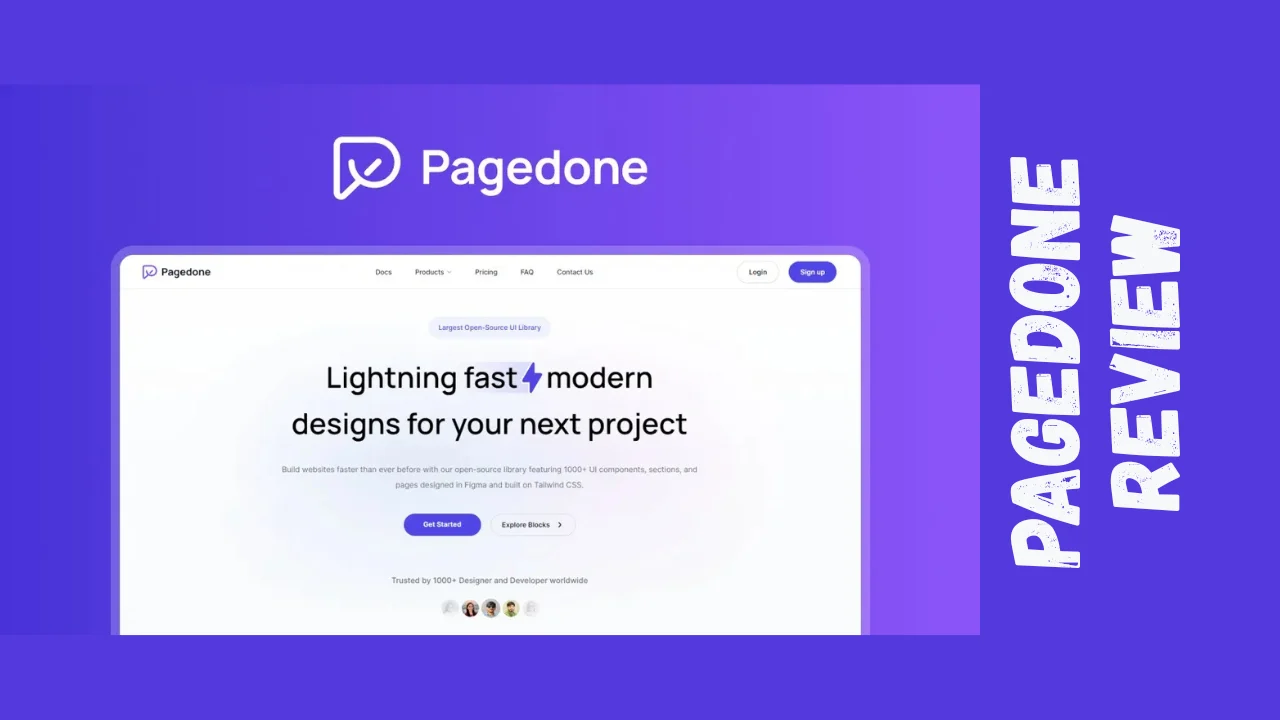
Struggling to design modern websites or dashboards without blowing your budget on expensive designers? Pagedone solves that by giving you 12,000+ ready-to-use UI components, blocks, templates, and pages—all built in Figma with pixel-perfect Tailwind CSS code. This Pagedone review breaks down why it’s a must-have for bootstrapped teams racing to launch.
It’s perfect for startups prototyping MVPs, marketers building landing pages, small business owners refreshing sites, and solopreneurs who need pro designs fast without coding from scratch.
Product Overview
Pagedone launched in late 2023 as an open-source library to democratize high-quality web design. Created by a small indie team, its mission is clear: cut design time by 10x with pre-built, customizable assets so anyone can create lightning-fast, modern layouts without hiring agencies.
Targeted at web designers, developers, agencies, and non-designers in startups, SaaS, e-commerce, and marketing. It’s especially clutch for productivity tools for entrepreneurs who want enterprise-level polish on a budget.
Key Features
Pagedone’s library is massive and practical—over 12,000 elements covering everything from buttons to full dashboards. Here’s what powers the Pagedone features:
- 1000+ UI components (buttons, forms, cards, navs, modals) with Auto Layout 5.0 and Figma Config 2023 for easy resizing
- 600+ Tailwind CSS blocks and sections: heroes, pricing tables, testimonials, footers—fully responsive and semantic HTML
- 100+ complete pages and dashboards: landing pages, auth screens, admin panels, e-commerce layouts
- Icon library with 4 styles (outline, solid, etc.), editable in Figma, optimized SVG code for 24px grid
- Smart typography system: scalable fonts, colors, spacing for consistent branding
- Weekly free lifetime updates + custom request feature
- Export straight to Tailwind code—no plugins needed
- Marketing-focused templates: SaaS landings, newsletters, product pages
- App/e-commerce ready: dashboards, carts, user profiles
- Open-source Tailwind base: copy-paste ready, no bloat
These make it one of the best tools for small business owners prototyping sites or agencies churning client mocks.
Ease of Use & User Experience
Jump in with zero friction: duplicate from Figma community files, drag-drop components, tweak variants. Onboarding? Instant—search the library, customize colors/fonts via variables, export code. Dashboard via web app for icon edits and downloads.
Figma interface is buttery: full Auto Layout means responsive previews without hassle. Tailwind code exports clean and lightweight—plug into your project and go. No bloated CSS; utility-first perfection.
Desktop dominates (Figma shines there), but mobile Figma mirroring works fine for reviews. Users love the consistency—no mismatched spacing or breakpoints. Minor nit: icon editor could have more presets, but it’s snappy overall.
For solopreneurs, it’s a time machine: design a hero section in 5 mins vs. hours.
Pricing Breakdown
Pagedone nails affordable software with one-time lifetime access—no subs, ever. 60-day refund on all tiers; stack up to 2 codes. Free updates forever.
| Tier | One-Time Price | Components/Pages | Best For | Value Prop |
|---|---|---|---|---|
| Designer Plus | $39 | 12,000+ Figma components/blocks + Tailwind code + icons | Solopreneurs, freelancers | Full library access; saves $100s in design time |
| Agency Pro | $79 | Everything + priority requests + unlimited projects | Agencies, startups | Scale for clients; 10x faster mocks-to-code |
Lifetime deal crushes alternatives: Tailwind UI costs $299/year ongoing. Pagedone pricing = massive ROI for anyone building sites regularly.
Pros and Cons
| ✅ Pros | ❌ Cons |
|---|---|
| Insanely cheap lifetime access | Figma-only (no Sketch/Adobe XD) |
| 12k+ components save weeks of work | Learning Tailwind if you’re CSS guy |
| Pixel-perfect + responsive code | Icon styles limited to 4 variants |
| Weekly updates + custom requests | No live preview in Figma (code it) |
| Auto Layout for easy customization | Docs could be beefier for newbies |
| Open-source Tailwind—no vendor lock | Agency tier jumps price 2x |
| Figma + code workflow seamless | Smaller community vs. giants |
Who Should Use It?
Pagedone shines for:
- Startups mocking MVPs or investor decks
- Marketers building campaign landing pages
- Small business owners DIY site refreshes
- Solopreneurs/freelancers pitching clients
- Founders/consultants needing quick prototypes
- Agencies white-labeling designs
Skip if you’re deep in React/Vue without Tailwind or prefer Sketch.
Comparison With Competitors
| Feature | Pagedone | Tailwind UI | Flowbite |
|---|---|---|---|
| Price | Lifetime $39–$79 | $299/year | Free + pro $399/year |
| Components | 12k+ Figma + Tailwind | 500+ Tailwind | 400+ Tailwind/Figma |
| Pages/Templates | 100+ full pages/dashboards | Limited pages | Basic sections |
| Icons | 100s editable SVGs | None | Tailwind Icons |
| Updates | Weekly lifetime free | Paid annual | Pro updates |
| Figma Native | Yes, Auto Layout | Partial | Partial |
| Best For | Fast design-to-code | Tailwind pros | Free starters |
Pagedone wins on Pagedone pricing and volume; Tailwind UI politer but pricier. Solid Pagedone alternatives for budget teams.
User Feedback Summary
Pagedone scores 5/5 tacos across 50+ reviews—users obsessed with value. “Insanely high value… top-notch design system with Tailwind code” is common praise. G2/Capterra light (newer tool), but sentiment mirrors: fast workflows, pro quality.
Trustpilot/Reddit: “More than worth it… jumpstart projects.” Gripes rare—file format confusion fixed, price “steal.” Overall: raves for speed, minor update delays. Agencies love client wins.
FAQ — Pagedone Design System
Q1: What is Pagedone and how does it work?
Pagedone is a Figma + Tailwind CSS library with 12,000+ UI components, blocks, and pages. Duplicate into Figma, customize with Auto Layout, export clean Tailwind code. Perfect for rapid web design in this Pagedone review—saves weeks vs. building from scratch.
Q2: Does Pagedone offer a lifetime deal?
Yes, Pagedone lifetime deal starts at $39 one-time for Designer Plus (full library + updates). Agency Pro at $79. No recurring fees, 60-day refund—ideal affordable software for long-term projects.
Q3: Is Pagedone good for Tailwind CSS projects?
Absolutely. All components export pixel-perfect Tailwind code—responsive, semantic HTML. From heroes to dashboards, it’s ready-to-paste. One of the best tools for small business sites or SaaS prototypes using Tailwind.
Q4: How does Pagedone compare to Tailwind UI?
Pagedone crushes on price ($39 lifetime vs. $299/year) and volume (12k vs. 500 components). Both Tailwind-first, but Pagedone adds deep Figma integration + icons. Check Pagedone alternatives if you need Vue support.
Q5: Can beginners use Pagedone features?
Yes—drag-drop in Figma, no skills needed beyond basics. Pro typography/variables handle scaling. Export Tailwind code even if you’re not a dev. Great productivity tool for entrepreneurs without design teams.
Q6: What file formats does Pagedone include?
Figma files (components/pages), Tailwind HTML/CSS/JS, optimized SVGs. Web app for icon edits. Everything for design-to-dev workflow—no extras needed.
Q7: Are Pagedone updates free forever?
Lifetime free weekly updates + improvements. Request customs—they build fast. Keeps your library fresh without extra costs.
Q8: Best Pagedone alternatives for agencies?
Tailwind UI (premium polish), Flowbite (free tier). But Pagedone pricing + volume wins for most. Stack tiers for teams.
Final Verdict
This Pagedone review? It’s a screaming buy at $39–$79 lifetime. For startups, marketers, small biz owners, solopreneurs—anyone tired of blank Figma canvases or pricey devs—Pagedone delivers pro results fast.
Unlimited value: 12k assets, code-ready, updates forever. Beats subs hands-down. Minor Figma/Tailwind lock-in, but if that’s your stack, grab it. 9.5/10—transform your workflow today.